Standalone Binaries & PyPI Download latest release binaries for Windows (.exe), macOS (.dmg) & Linux (.AppImage / .deb) — zero Python setup required
Download Latest
Windows · macOS · Linux Binaries No Python Required English & Čeština

Learn humanoid robotics with the simulated iCub

pyCub Studio is a self-contained desktop app uniting a hardware-accelerated OpenGL 3D viewport, five progressive modes from visual Blockly to a full Python IDE, bilingual English/Czech UI, and offline course handbooks — just download and launch.
Or install via pip (Python 3.10–3.12):
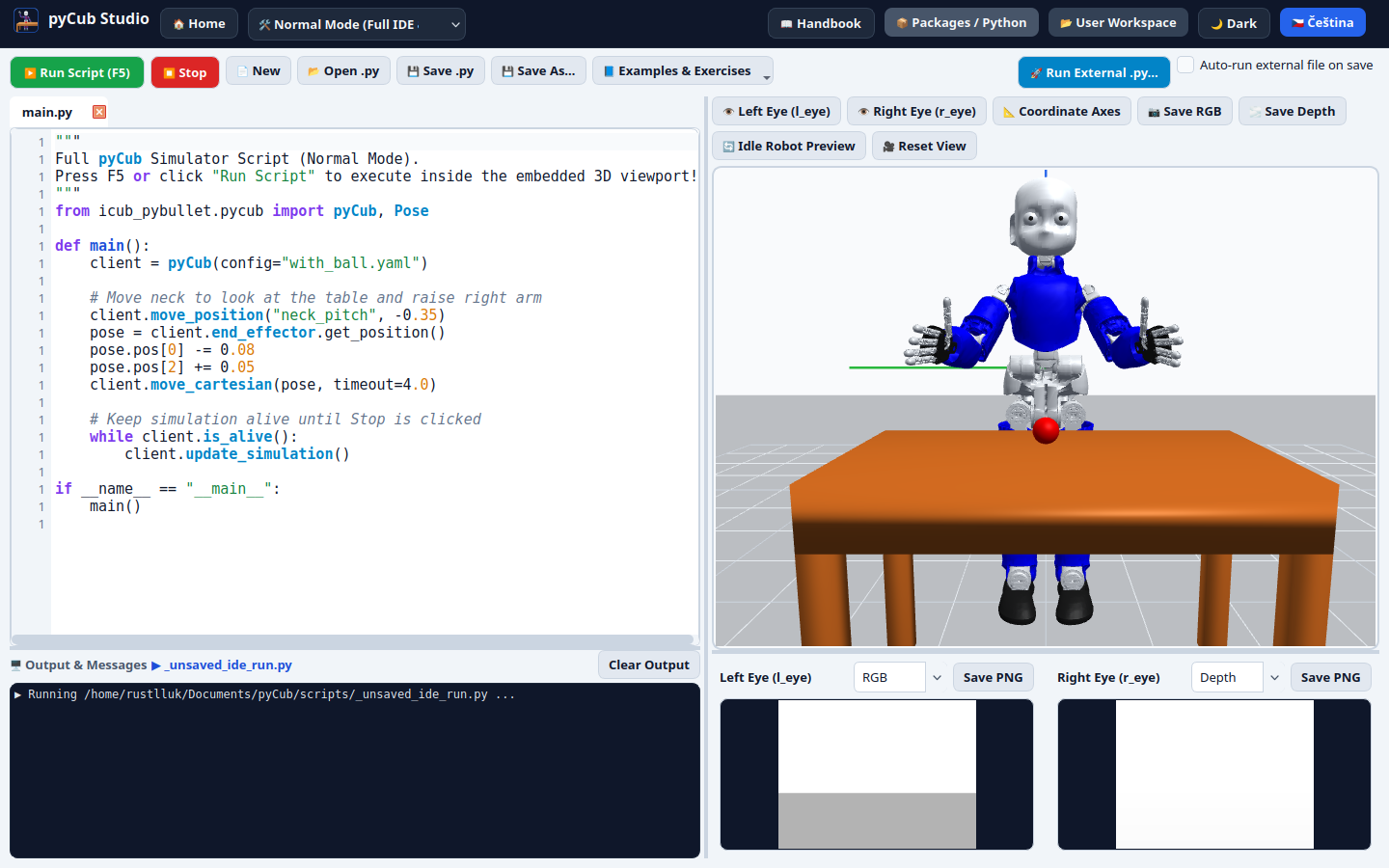
pyCub Studio — Normal Mode (IDE + OpenGL + Eye Cameras)

Real capture of pyCub Studio running push_the_ball_cartesian.py with l_eye RGB & r_eye Depth cameras.
iCub Humanoid Robot in pyCub

pyCub · Learning Humanoid Robotics with iCub

Self-contained Desktop Binaries · Dual-theme OpenGL Studio · 5 Progressive Modes · CTU in Prague
Pre-built standalone binaries · Plus pip & Docker
Windows x64
Setup .exe installer
macOS Apple Silicon
Native arm64 .dmg
macOS Intel
Native x86_64 .dmg
Linux x64 & arm64
Portable .AppImage & .deb
PyPI & Docker
pip install pycub-studio

Built for classrooms, labs, and first-time coders

Most robotics simulators require complex ROS setups or Python environment wrangling. pyCub Studio ships as ready-to-run desktop binaries and scales from primary-school outreach to university coursework.
Five Progressive Modes

Five Progressive Modes

Start with clickable preset buttons, advance to bilingual Blockly blocks or simplified kid_api Python, and graduate to a full multi-tab IDE with F12 Go-to-Definition.
Self-Contained Desktop Binaries

Self-Contained Desktop Binaries

Every .exe, .dmg, .AppImage, and .deb bundles Python, PyBullet, PySide6, OpenGL 3.3, Blockly, and the offline handbook — double-click to launch with zero configuration.

Full Czech & English Localization

Full Czech & English Localization

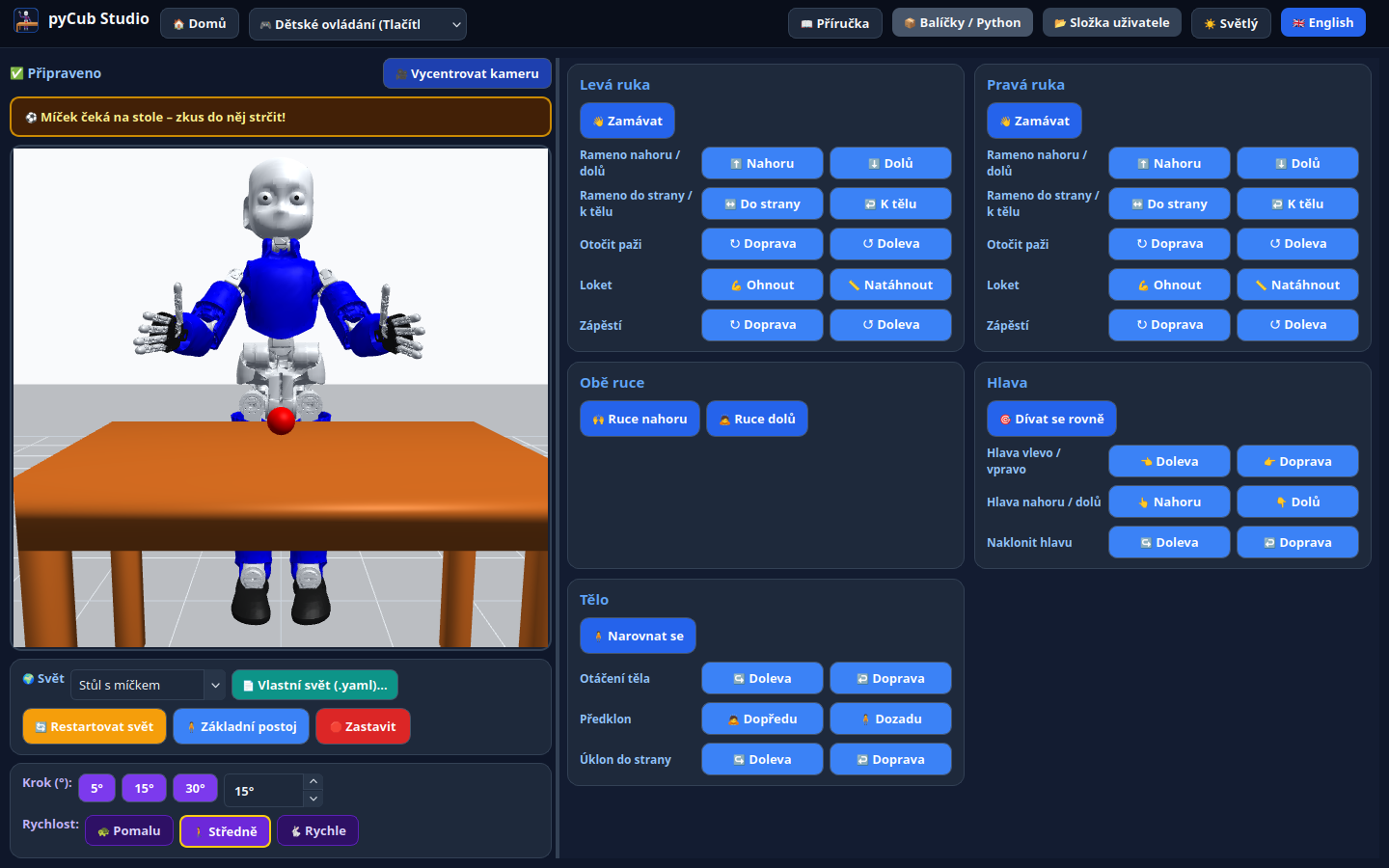
Switch between English and Čeština live across the launcher, menus, Blockly blocks, Python helper names (zamávej, dotkl_se_míčku), and bundled Sphinx handbooks.

Download the standalone Studio — or install via Python

Teachers and students can run the packaged pyCub Studio binary right away without Python, while developers and researchers can install pycub-studio or icub_pybullet via pip.
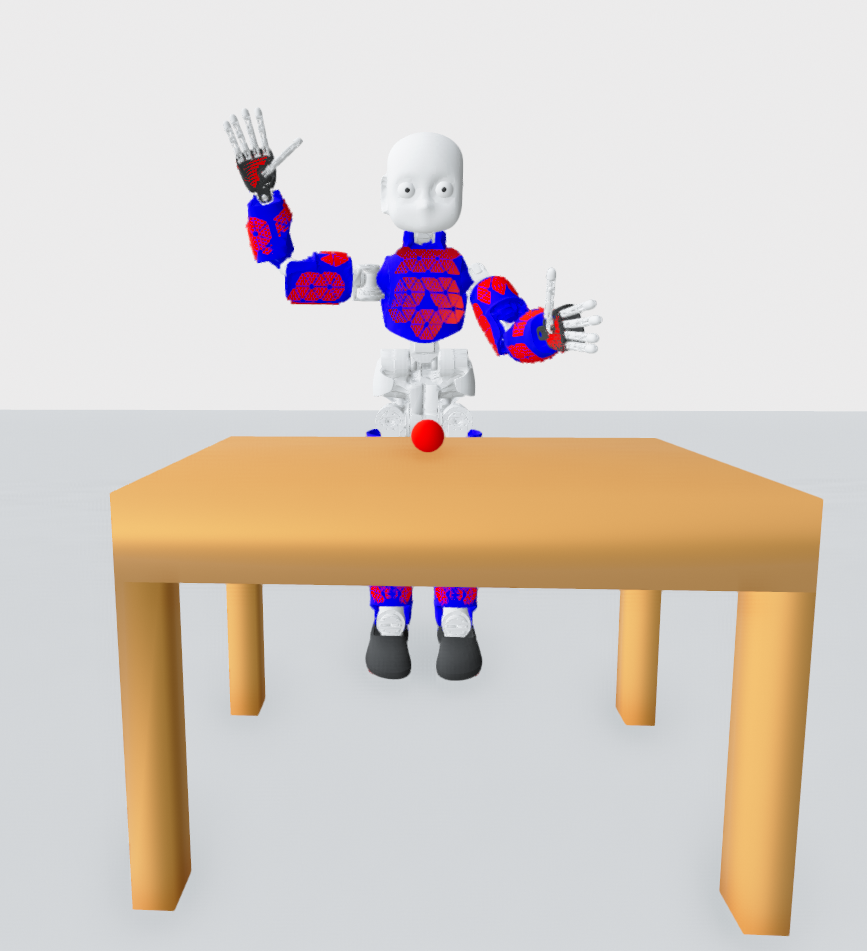
Simulated iCub humanoid robot in PyBullet iCub Humanoid URDF + VHACD

Full upper-body & neck kinematics, stereo eye RGB/Depth cameras, and ray-cast tactile skin.

Desktop IDE & Standalone App

pyCub Studio

Binaries + pycub-studio

Complete cross-platform desktop application bundling all 5 modes, offline Blockly, an isolated script runner, built-in PyPI package installer, course exercises 1–5, and EN/CS handbooks.

  • Zero system Python needed — standalone .exe, .dmg, .AppImage & .deb
  • Writable ~/Documents/pyCub/ workspace for custom worlds & meshes
  • Also installable with one command via pip install pycub-studio
Lightweight Robotics Core

icub_pybullet Core

pip install icub_pybullet

For Python developers and university servers: pure PyBullet simulator package for joint, velocity, and Cartesian IK control, tactile artificial skin, stereo cameras, and kid_api.

  • No GUI/Qt bloat — ideal for headless runs & automated benchmarks
  • YAML world configs (default.yaml, with_ball.yaml, skin_test.yaml)
  • Dual-language kid_api functions synced with Studio runtime
$ pip install icub_pybullet

Five integrated modes in one window

Click any mode below to inspect actual captures from pyCub Studio — tailored for every skill level from tactile buttons to full robotics IDE.
Mode 1 Kids, demos & outreach events

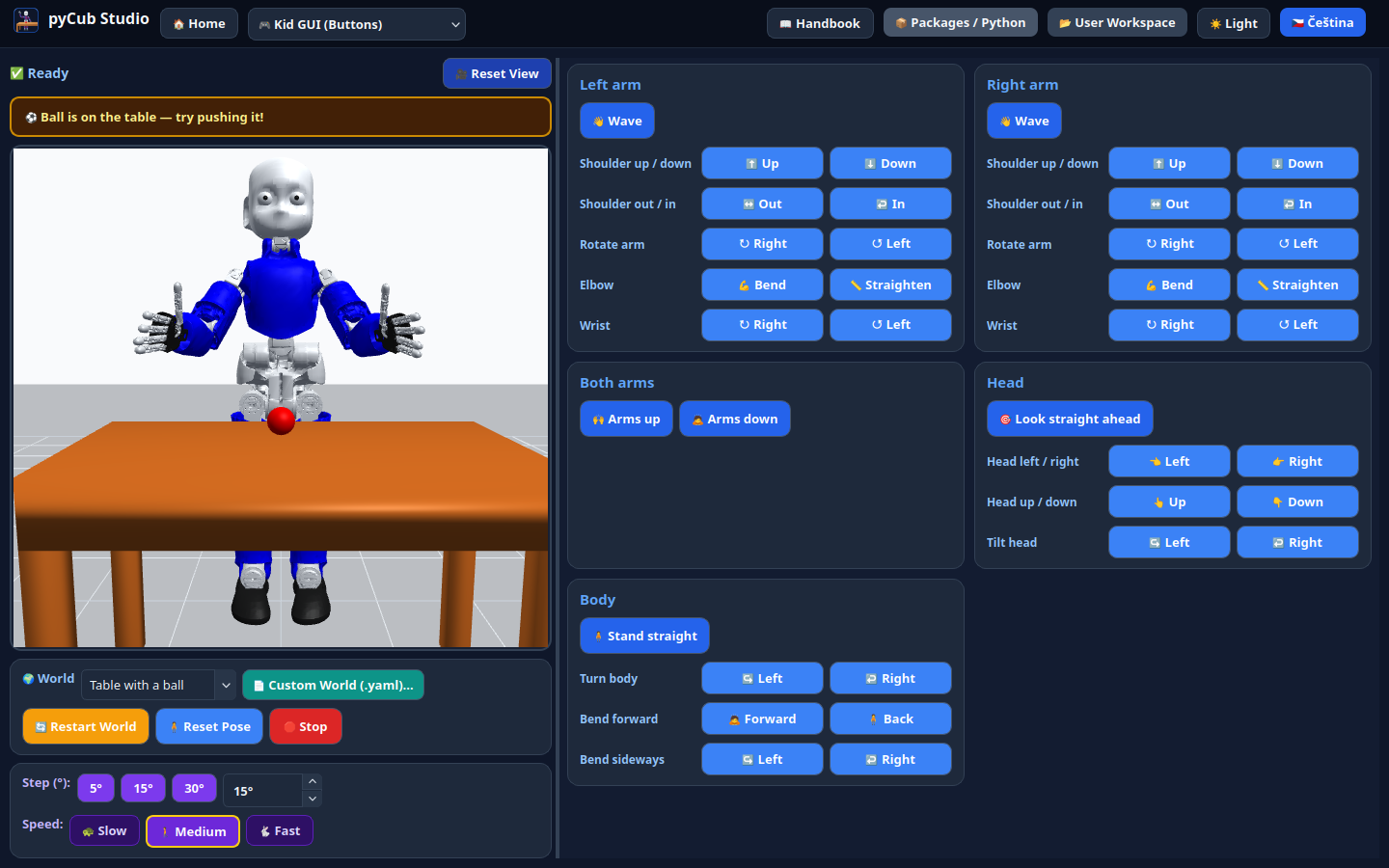
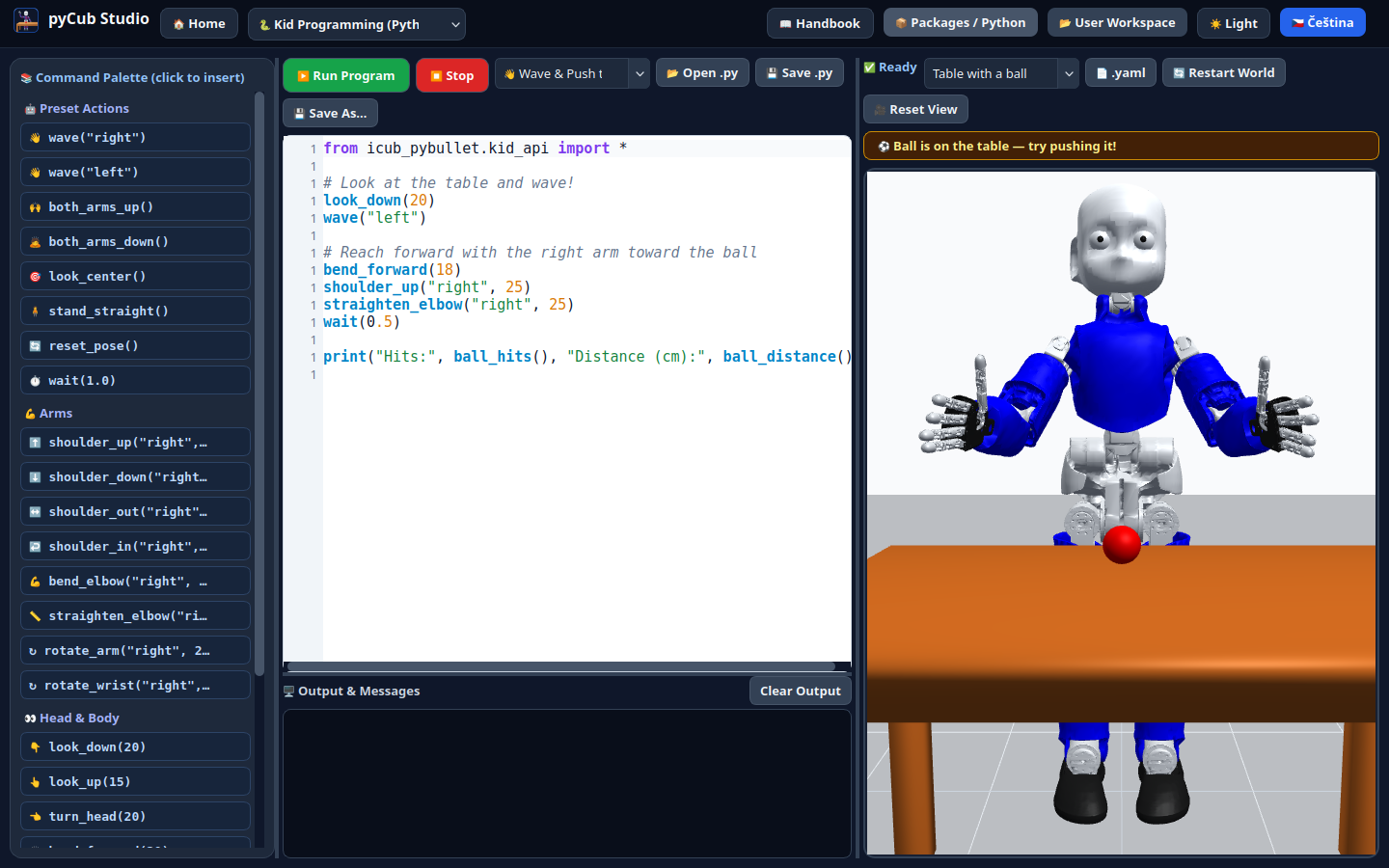
Kid GUI — Native Tactile Playground

Zero typing required — drive iCub with preset actions and single-joint jog controls.

Designed for young visitors, science fairs, and first interactions. Features large pose presets (Wave, Both Arms Up, Look Center), per-joint step buttons, step-size & speed sliders, custom .yaml world selection, live ball distance telemetry, and confetti celebration when the ball is hit.

  • One-click preset motions (Wave Left/Right, Reset, Stand Straight)
  • Individual joint sliders & delta step buttons with configurable speed
  • Live distance-to-ball telemetry & hit counter with confetti reward
Direct CLI flag (optional)
pycub-studio --mode kid_native
pycub-studio (Mode 1)
pyCub Studio Mode 1 Kid GUI Native showing control buttons and 3D OpenGL iCub with red ball
All Modes & Workspace Details

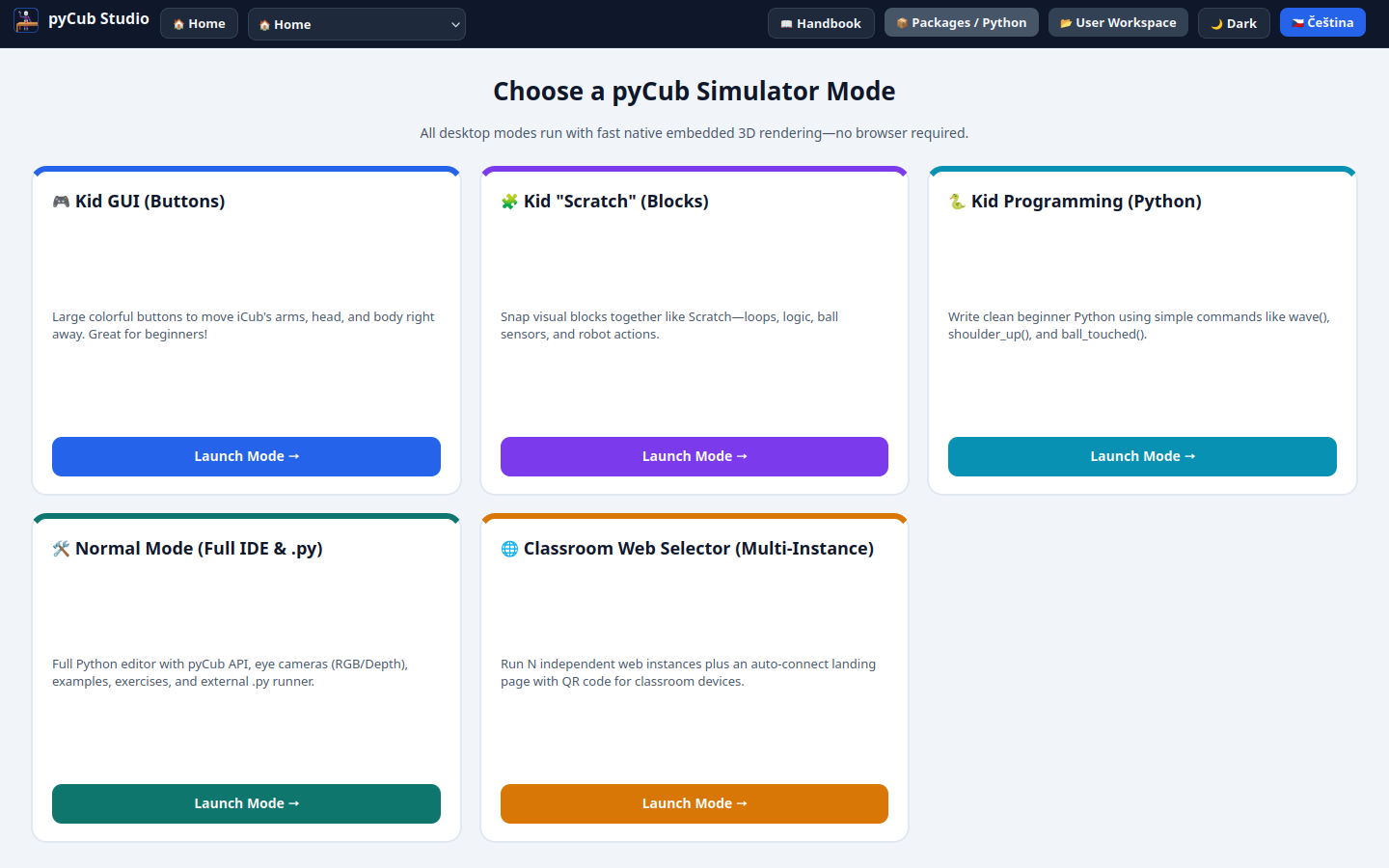
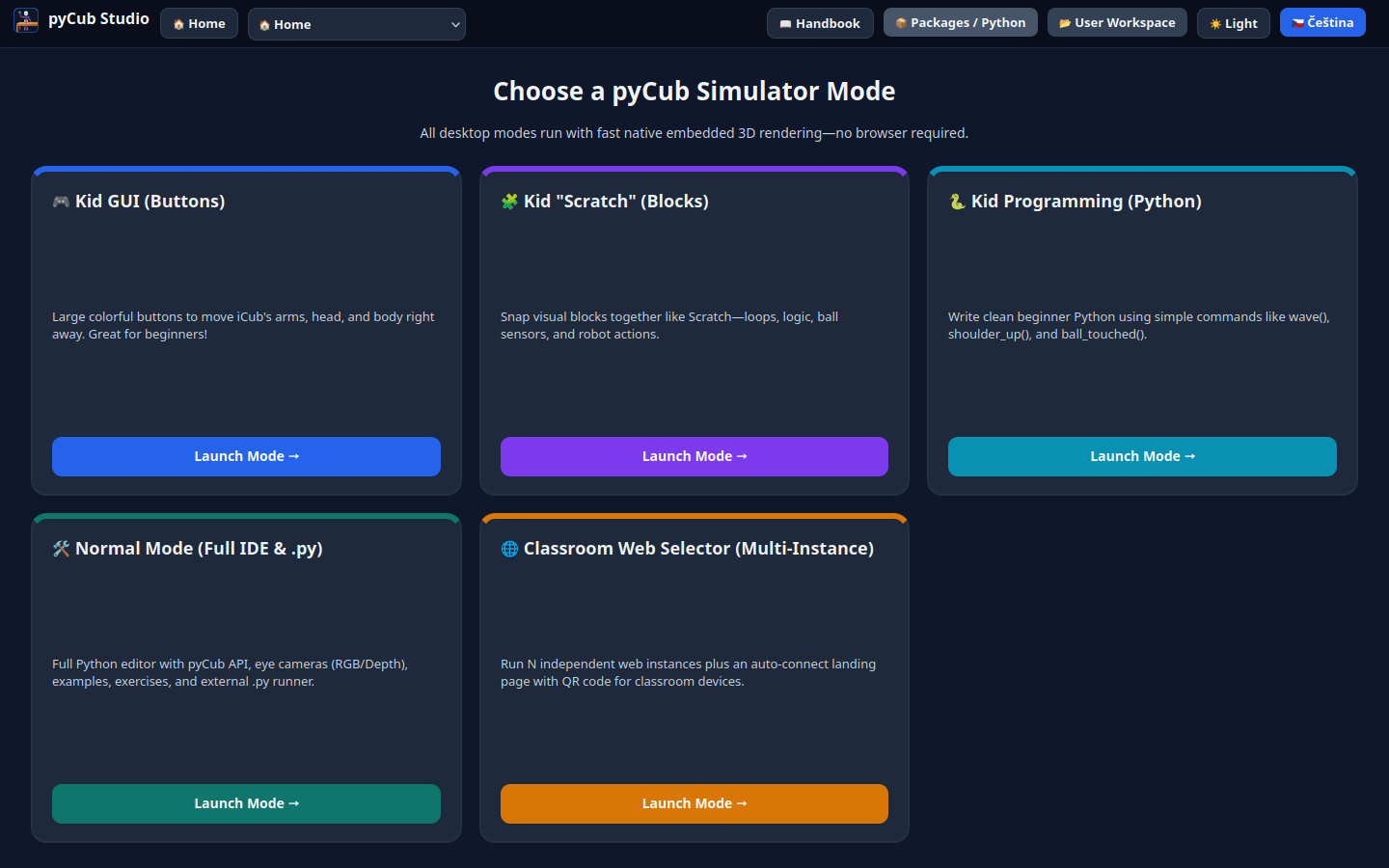
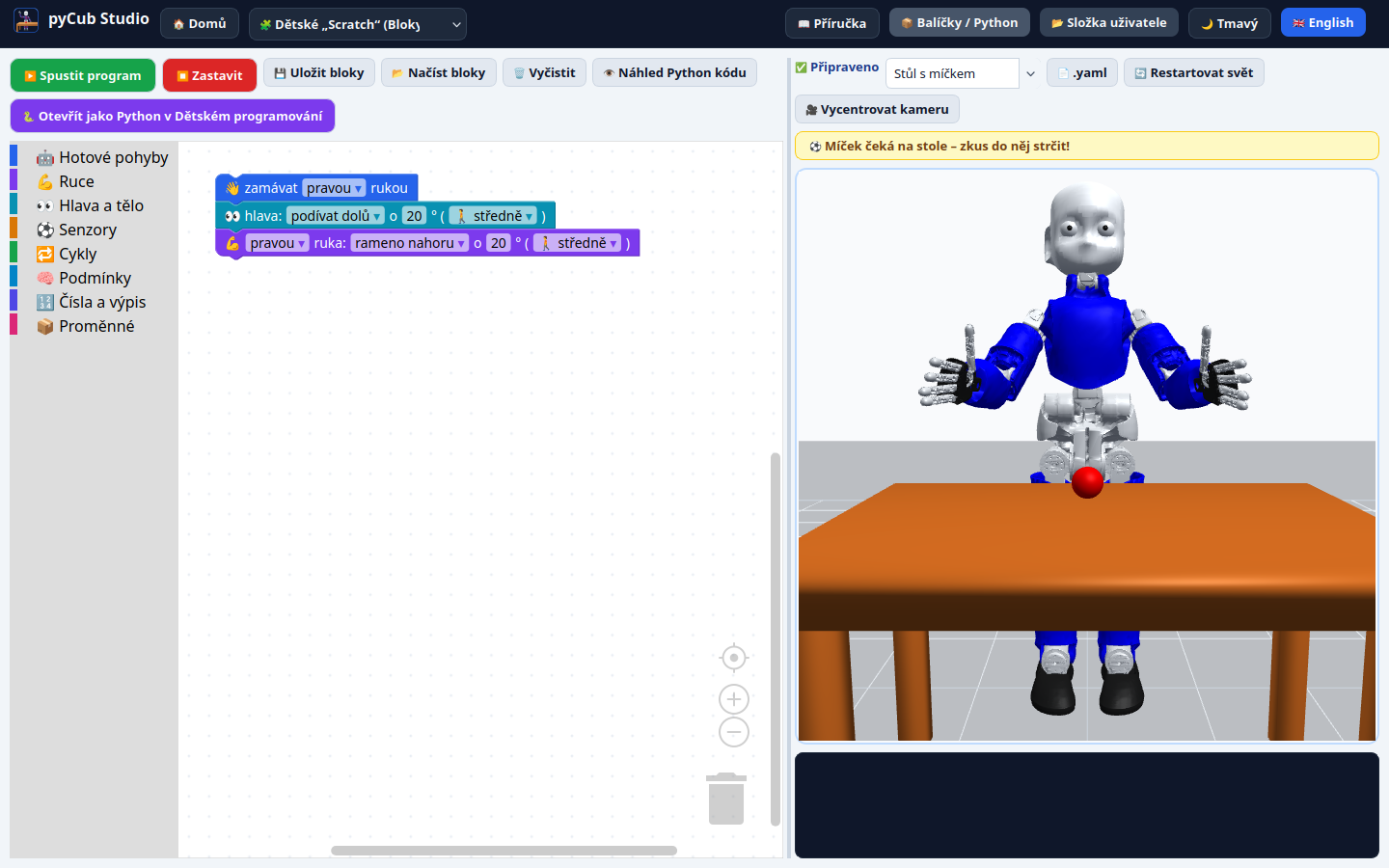
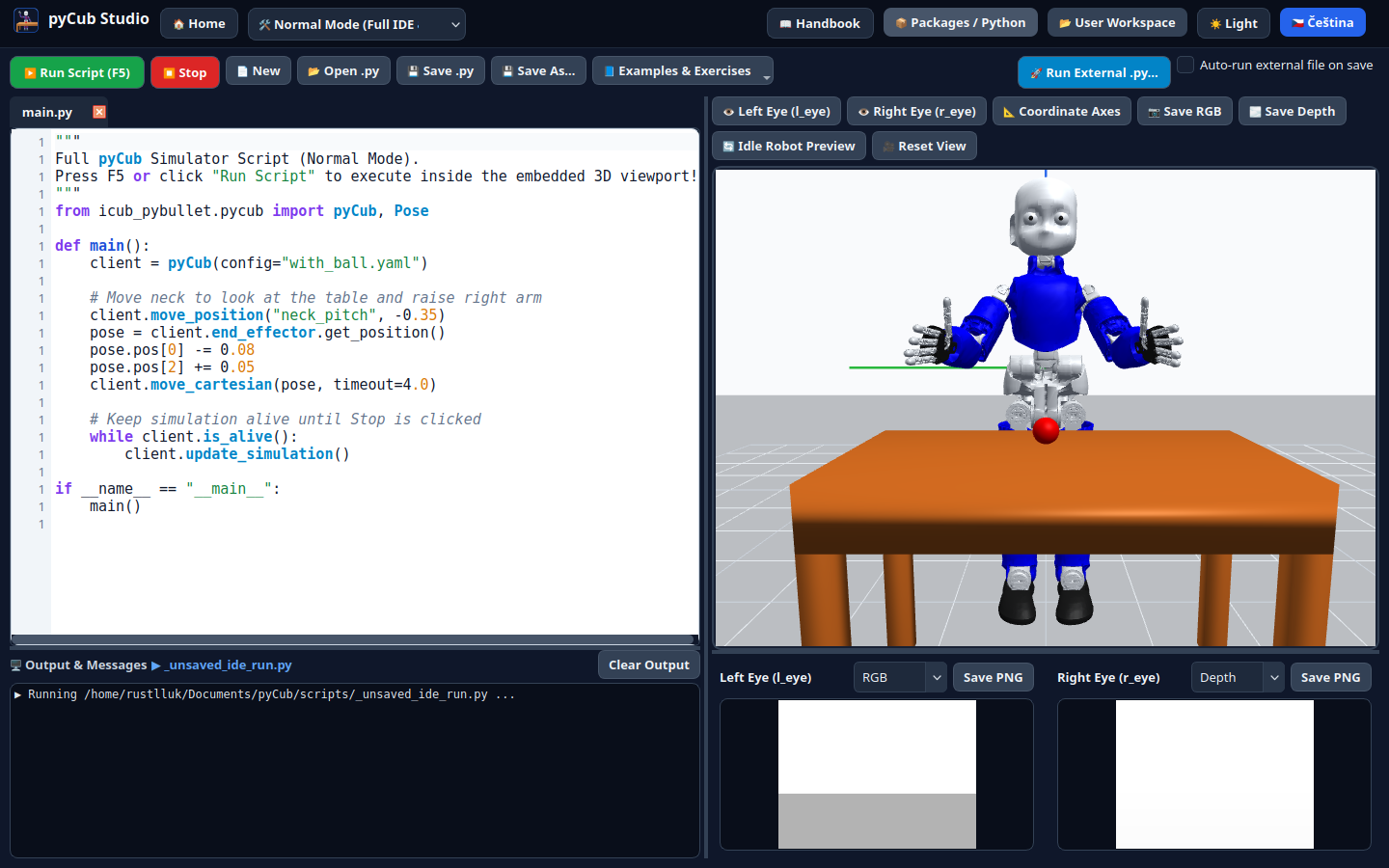
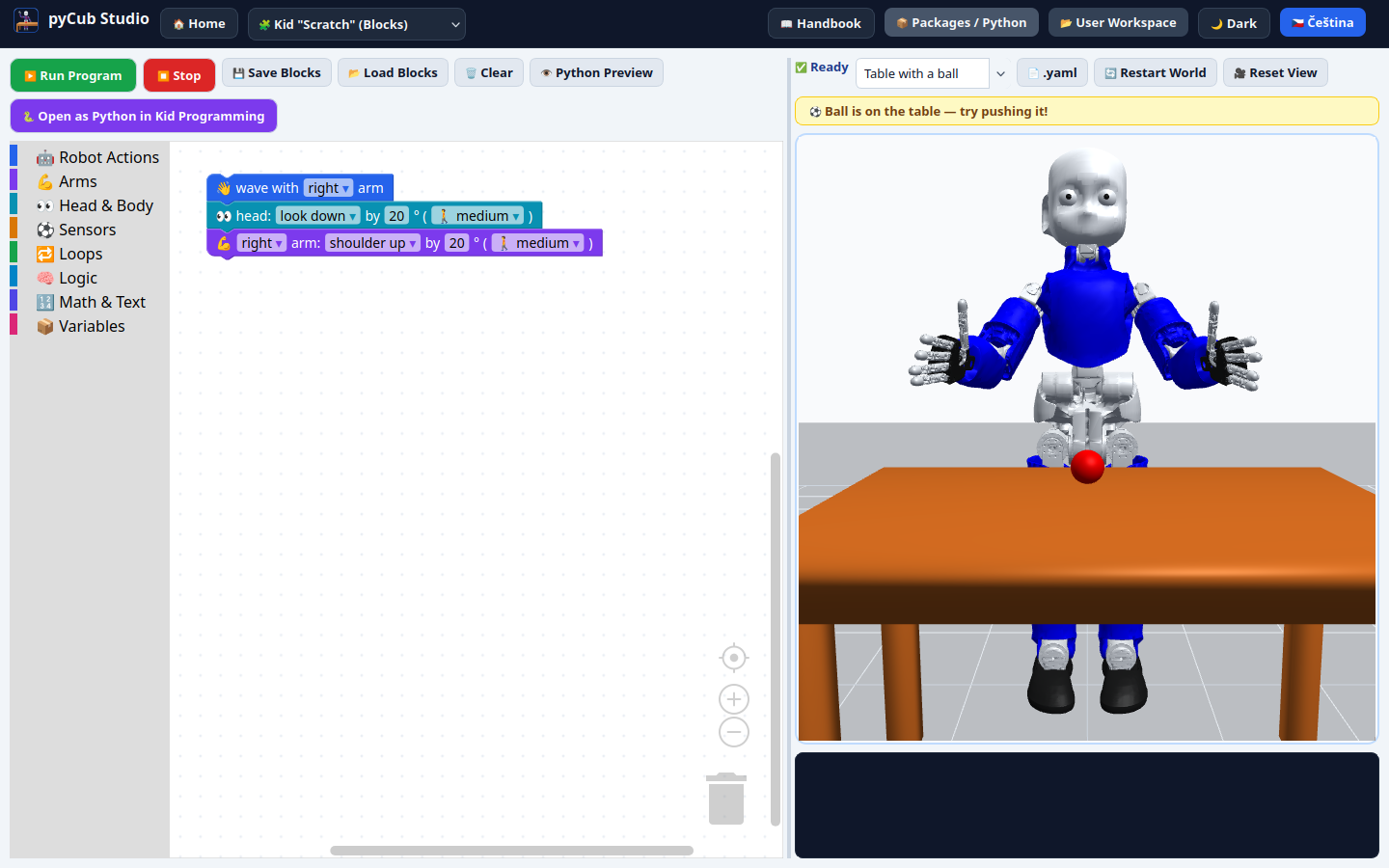
Inside the Studio — Light, Dark & Bilingual UI

Every desktop view adapts cleanly between Light and Dark themes and switches live between English and Čeština.

From first wave to Cartesian IK & tactile skin

Run these scripts directly inside the standalone pyCub Studio app (Mode 3 or Mode 4) — or from your Python environment via pip.
Full Code & Command Reference

Engineered with proven open-source foundations

Reliable physics, hardware-accelerated Qt rendering, and offline visual blocks — bundled in every binary with zero cloud dependency.
Physics & IK Engine

PyBullet

Rigid-body dynamics, self-collisions, VHACD meshes, and inverse kinematics.

Desktop Shell

PySide6 (Qt 6)

Native menus, multi-tab IDE, docked camera panels, and light/dark palettes.

3D Viewport

OpenGL 3.3 / 2.1

Embedded hardware-accelerated robot, skin, and coordinate frame rendering.

Visual Programming

Google Blockly

100% offline EN/CS block editor synced with live Python generation.

Offline Handbook

Sphinx + LaTeX

Bilingual EN/CS HTML & PDF manual bundled right inside the app.

Download Latest Release Binaries — No Python Required

Direct 1-click downloads always pointing to the latest GitHub Release. Everything is bundled inside — just download and run.
Always synced to Latest Release: v2026-11-26
Windows Setup .exe
x64 (64-bit)

Self-contained installer with Start Menu shortcut — no Python needed.

Run the .exe installer and launch pyCub Studio from Desktop or Start Menu.

macOS .dmg
arm64 (Apple Silicon M1–M4)

Native Apple Silicon bundle with bundled runtime and offline handbook.

Drag pyCub.app to Applications. First launch: Right-click -> Open.

macOS .dmg
x86_64 (Intel Mac)

Universal Intel Mac bundle including pinned Open3D 0.19.0 support.

Drag pyCub.app to Applications. First launch: Right-click -> Open.

Linux .AppImage & .deb
x86_64 & arm64

Portable single-file AppImage or Debian/Ubuntu .deb package.

chmod +x *.AppImage && ./pyCub-*.AppImage (or sudo apt install ./*.deb).

Prefer Python packages or containers? pip install pycub-studio · Docker & VNC
Browse GitHub Releases
All Options: pip, Handbooks & Docker

Frequently asked questions

Answers about standalone binaries, pip installation, macOS/Linux tips, and classroom deployment.
No! The standalone Windows (.exe), macOS (.dmg), and Linux (.AppImage / .deb) binaries bundle a complete Python runtime, pybullet, numpy, scipy, PySide6, OpenGL, Blockly, and the offline handbook inside one package. Just download and double-click.
Yes. Inside pyCub Studio Mode 4, click Packages / Python in the top toolbar to install any PyPI package directly into your ~/Documents/pyCub/extra_packages/ folder — no system Python needed.
Because the open-source .dmg builds use ad-hoc signing, Right-Click (or Control-Click) pyCub.app in Applications and choose Open on first launch, or run: xattr -cr /Applications/pyCub.app in Terminal.
Standalone binaries are double-click desktop apps needing zero Python setup. For Python developers, pip install pycub-studio installs the exact same 5-mode Studio into your virtual environment, while pip install icub_pybullet installs just the lightweight headless/scriptable simulator.
Yes. Place custom .yaml world files (which can inherit from default.yaml or with_ball.yaml via parent:) into ~/Documents/pyCub/worlds/, and custom .obj or .urdf models into ~/Documents/pyCub/meshes/. Any .obj without a *_vhacd.obj automatically runs VHACD convex decomposition and caches it.
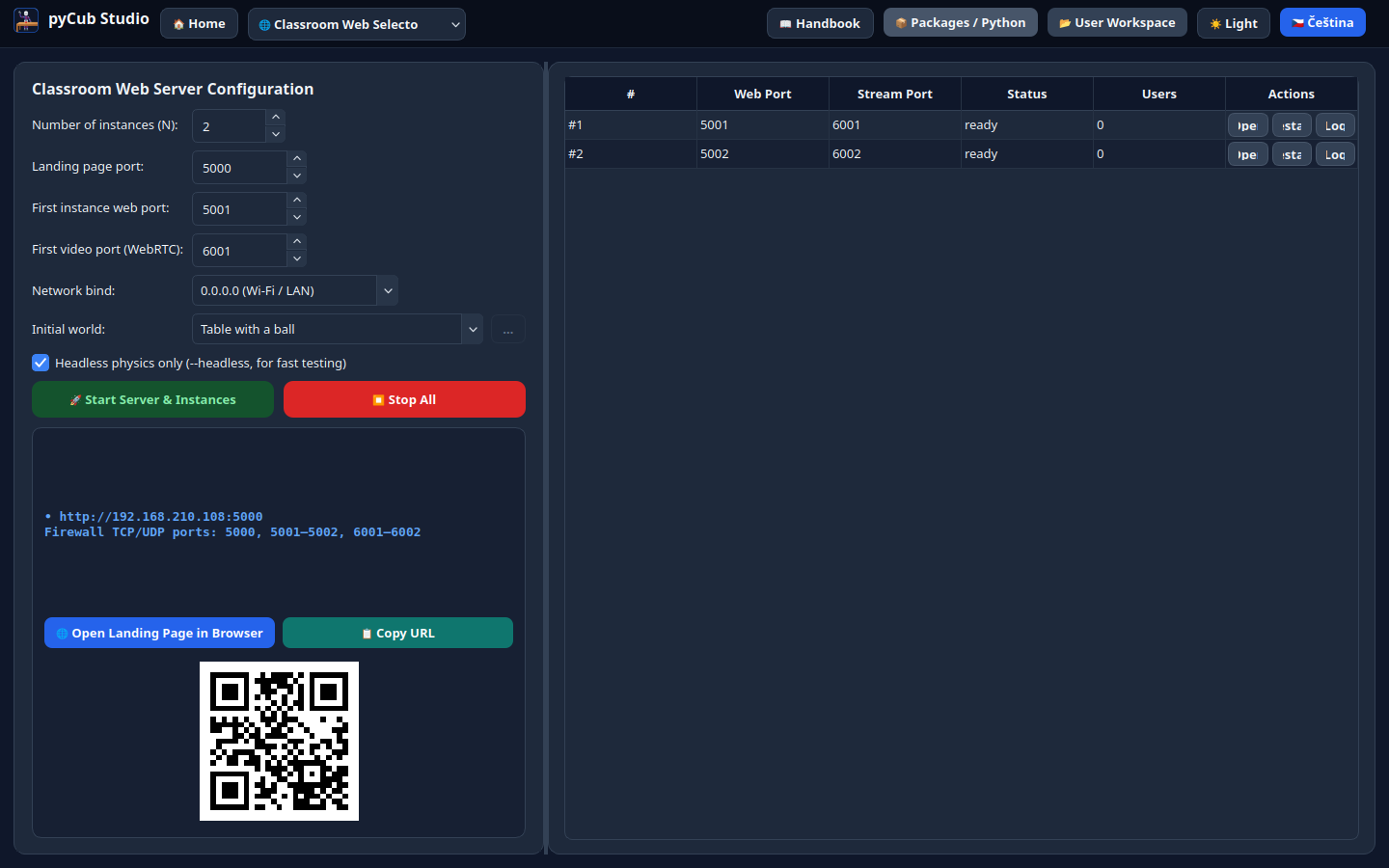
Launch Mode 5 (Classroom Web Selector) from your host binary, set the desired number of worker instances, and display the built-in Wi-Fi QR code on the projector. Students scan it on tablets, laptops, or Chromebooks to control their own iCub instance in the browser.
RiE 2026 · Springer arXiv:2506.01756

Academic Paper & Citation

Presented at the 17th International Conference on Robotics in Education (RiE 2026) · Springer

Department of Cybernetics, Faculty of Electrical Engineering, Czech Technical University in Prague

@inproceedings{rustler2026pycub,
  title={Learning with pyCub: A Simulation and Exercise Framework for Humanoid Robotics},
  author={Lukas Rustler and Matej Hoffmann},
  year={2026},
  booktitle={17th International Conference on Robotics in Education (RiE 2026)},
  organization={Springer}
}

Start simulating iCub in minutes

Download the latest standalone binary for Windows, macOS, or Linux, run pip install pycub-studio, or browse the bilingual EN/CZ handbook.